
API Cost Calculators
API Cost Calculator Playbook
Estimate LLM API cost with input tokens, output tokens, cache strategy, retries, batching, and model routing.
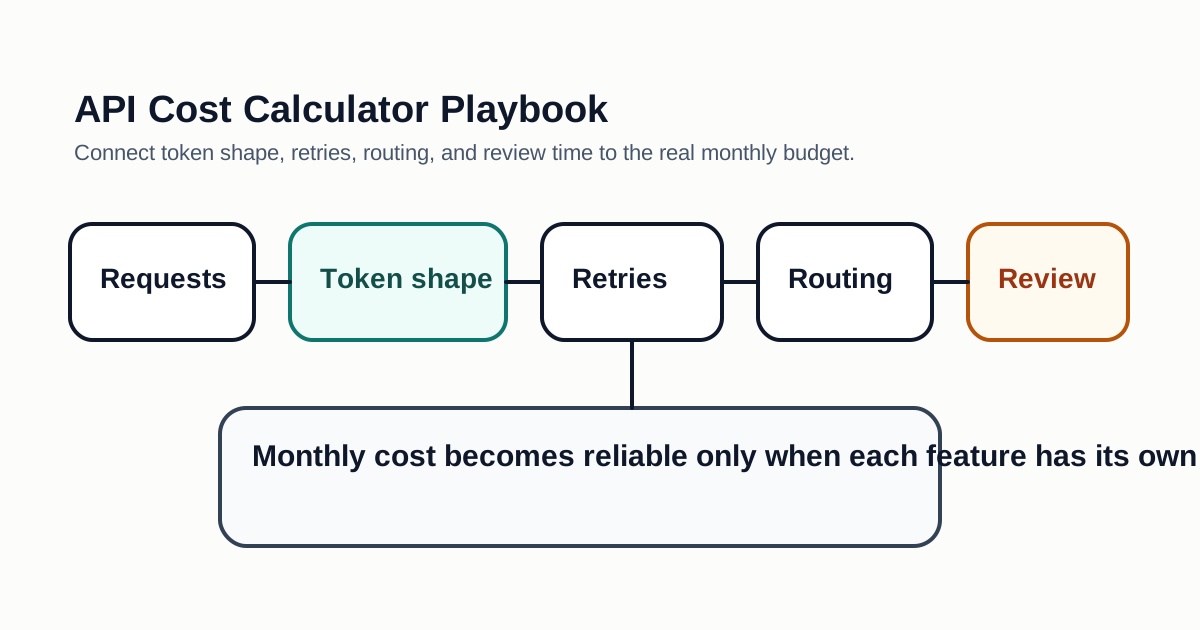
LLM API cost is usually driven by five variables: request volume, input tokens, output tokens, model choice, and retries. Teams often underestimate cost because they calculate a single happy-path request and forget long contexts, failed calls, evaluation jobs, and background workflows.
AI Jupyter also provides a free interactive calculator for this topic: LLM API Cost Calculator. Use the guide below to understand the cost drivers, then use the calculator to model your own request volume, token shape, retry rate, cache savings, and human review overhead.
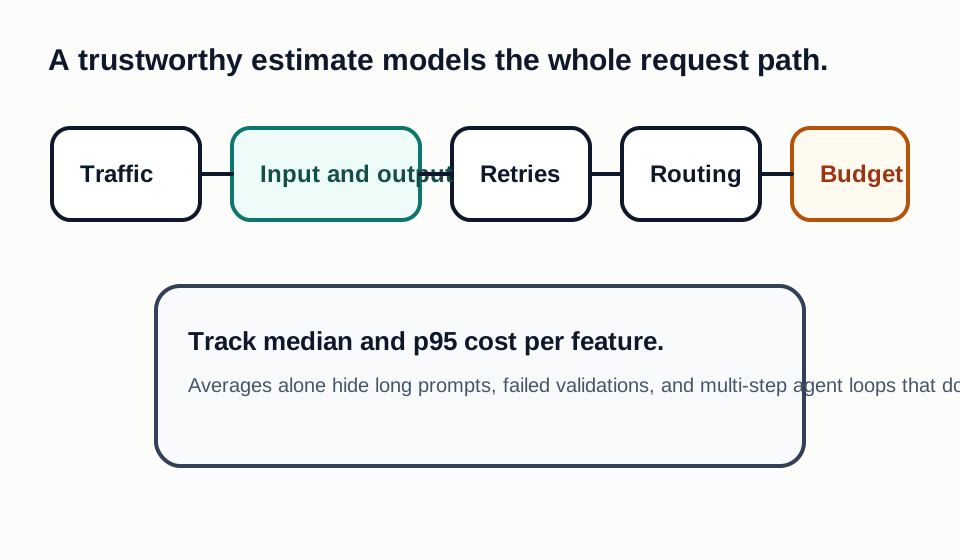
Basic Formula
Use this structure for each feature:
Daily cost =
  requests per day
  × average input tokens
  × input price
  + requests per day
  × average output tokens
  × output price
  + retry and evaluation overhead
Do not use one blended average for every feature. A chat support agent, summarizer, coding workflow, and RAG answer engine have very different token shapes.
Hidden Cost Drivers
Long system prompts can quietly dominate cost when every request repeats the same instructions. Retrieval can also increase cost if too many chunks are inserted into context. Tool-calling agents may multiply cost because one user action becomes several model calls.
Retries are another hidden driver. If a model returns malformed JSON and your system retries twice, the cost can triple for that request. Structured outputs, validation, and smaller fallback models can reduce this waste.
Cost Control Techniques
- Route easy tasks to smaller or cheaper models.
- Cache stable system prompts and repeated context where supported.
- Keep retrieved chunks short and relevant.
- Summarize long histories instead of sending entire transcripts.
- Add output length limits.
- Track token cost per feature, customer, and workflow.
- Evaluate quality before switching models only for price.
What To Put In The Calculator
Use realistic averages from logs whenever possible. If logs are not available, collect a small sample of production-like prompts and responses, then calculate the median and p95 token counts. The p95 matters because long requests can dominate spend even when the average looks safe.
Include non-user-facing workloads. Evaluation runs, nightly summarization, document ingestion, embeddings, moderation, reranking, and support tooling can all consume model budget. For teams with multiple products, separate each workflow so one fast-growing feature does not hide inside a blended invoice.
Budget Review Cadence
Review API cost weekly during launch and after any model, prompt, retrieval, or traffic change. Set alerts for sudden increases in input tokens, output tokens, retry rate, and cost per successful workflow. Cost anomalies often reveal product bugs: repeated retries, duplicated context, missing cache keys, or an agent stuck in a loop.
Example Feature Model
Build one cost model per feature. A support assistant might receive 1,000 requests per day, use a short system prompt, retrieve five knowledge-base chunks, and produce medium-length answers. A document summarizer might have fewer requests but much larger input tokens. A coding assistant might produce long outputs and need retries when tests fail. An agent workflow might call the model several times before one user-visible action is complete.
For each feature, estimate median and p95 input tokens, median and p95 output tokens, average retries, validation failures, cache hit rate, and model mix. The p95 is important because long prompts can dominate the bill. If 5 percent of requests include large retrieved documents or long chat history, the average may look safe while the monthly invoice grows faster than expected.
Calculator Inputs That Matter Most
Request volume is the obvious input, but token shape is usually more important. A feature with 100 daily requests and 80,000 input tokens per request can cost more than a feature with 10,000 short classification calls. Output length is also easy to underestimate. Explanations, code, JSON repairs, citations, and multi-step reasoning can make output tokens a major cost driver.
Retry rate is another required input. If a system retries when JSON validation fails, when tool output is incomplete, or when latency times out, cost rises without any increase in visible traffic. Cache hit rate can offset repeated instructions or stable context, but only if prompts are designed for reuse. Model routing changes the estimate again: simple classification can use a smaller model, while complex reasoning or customer-visible answers may need a stronger model.
Quality-Adjusted Cost
Do not select a model only because the token price is lower. A cheaper model can become more expensive if it increases hallucinations, malformed outputs, support tickets, or manual review. Track cost per accepted output or cost per successful task. If a higher-priced model reduces retries and review time, it may be cheaper for the business.
Quality-adjusted cost should include human review. If every generated response needs a support agent to correct it, the API bill is not the real cost. If a model reliably handles routine cases and escalates uncertain cases, the effective cost may be attractive even with a higher token price.
Launch Guardrails
Before traffic scales, set hard limits for maximum output length, maximum agent steps, maximum retrieved chunks, and maximum retry count. Add alerts for sudden token growth, fallback model usage, validation failures, and cache miss spikes. Store enough usage data to explain the bill by feature and customer segment.
These guardrails protect both cost and product quality. A runaway prompt, missing cache key, broad retrieval query, or looped agent can turn into a large invoice quickly. Cost monitoring is therefore an operational reliability feature, not only a finance dashboard.
Bottom Line
The best API cost calculator is not a spreadsheet with one model price. It is a feature-level model that includes real token distributions, retries, cache behavior, and routing rules.
Decision Checklist For API Cost Calculator Playbook
Use this guide as a decision filter before a sales call, trial, or migration plan. For API Cost Calculator Playbook, the practical question is whether the topic connects API cost calculator, LLM pricing, token cost to a measurable workflow outcome. A good decision should improve delivery speed, quality, cost control, or operational confidence without creating hidden review, security, or migration work.
- The team can estimate cost per feature, customer, workflow, and successful task rather than only total API spend.
- Token shape, retries, cache hit rate, tool calls, and evaluation runs are included in the forecast.
- Quality thresholds are explicit, so a cheaper model is not selected when it increases review or support cost.
Pilot Plan
A useful pilot is small enough to finish quickly but realistic enough to expose integration, data, workflow, and pricing issues. Avoid demo-only tests. The trial should use real tasks, real constraints, and a baseline from the current process so the team can decide with evidence instead of impressions.
- Collect production-like prompts, expected output lengths, retry rates, and traffic assumptions for one feature.
- Run the same workload through the candidate pricing model and record p50, p95, quality, and failure behavior.
- Set alerts for spend, output length, retry loops, and fallback model usage before scaling traffic.
Metrics To Track
Track metrics that connect API Cost Calculator Playbook to outcomes a budget owner and an engineering owner can both understand. A tool can look impressive in a demo and still fail if usage is low, quality is uneven, or the cost model changes under real workload volume.
- Input tokens, output tokens, retry rate, cache hit rate, and fallback model usage by feature.
- Cost per successful task, customer, workflow, and evaluation run.
- Quality score, schema validity, latency, refusal behavior, and human review time.
Budget And Risk Review
Commercially useful AI tooling decisions should include the subscription or API price, but they should also include support load, review time, observability, privacy controls, switching cost, and the cost of wrong or low-quality output. Treat the first estimate as a working model and update it with production evidence.
- Avoid sending repeated long context to premium models when routing, caching, or summarization can reduce cost.
- Check rate limits, regional availability, logging controls, and batch pricing before relying on a provider.
- Include evaluation and monitoring workloads because they often grow after launch.
Review API cost weekly during launch and monthly after traffic stabilizes. Token distributions and model routing rules should be updated when product behavior changes.
Editorial note
AI Jupyter writes independent guides for technical readers. Product details, pricing, and feature names can change, so readers should verify commercial terms on the official vendor site before buying.
Reviewed by the AI Jupyter Editorial Team.